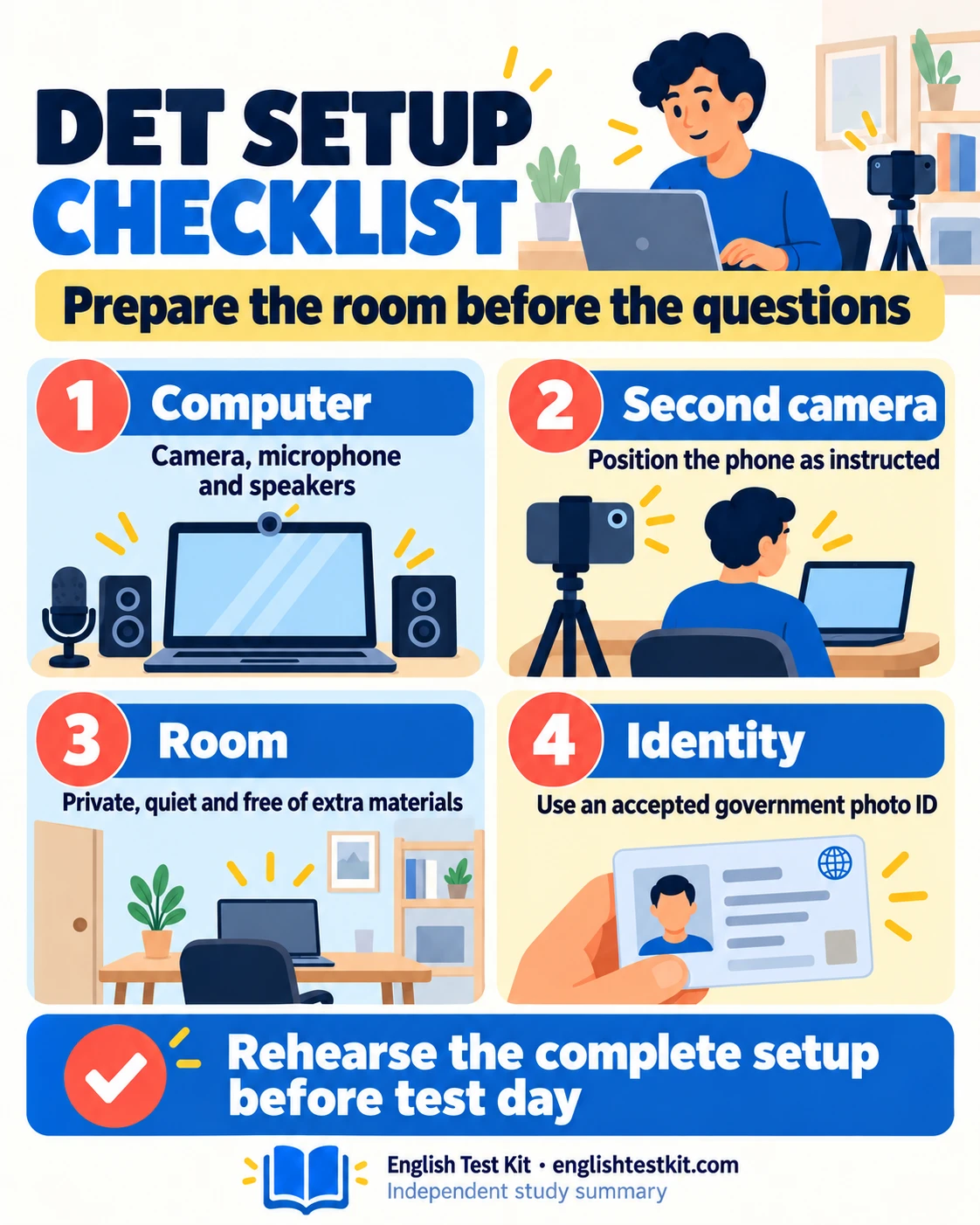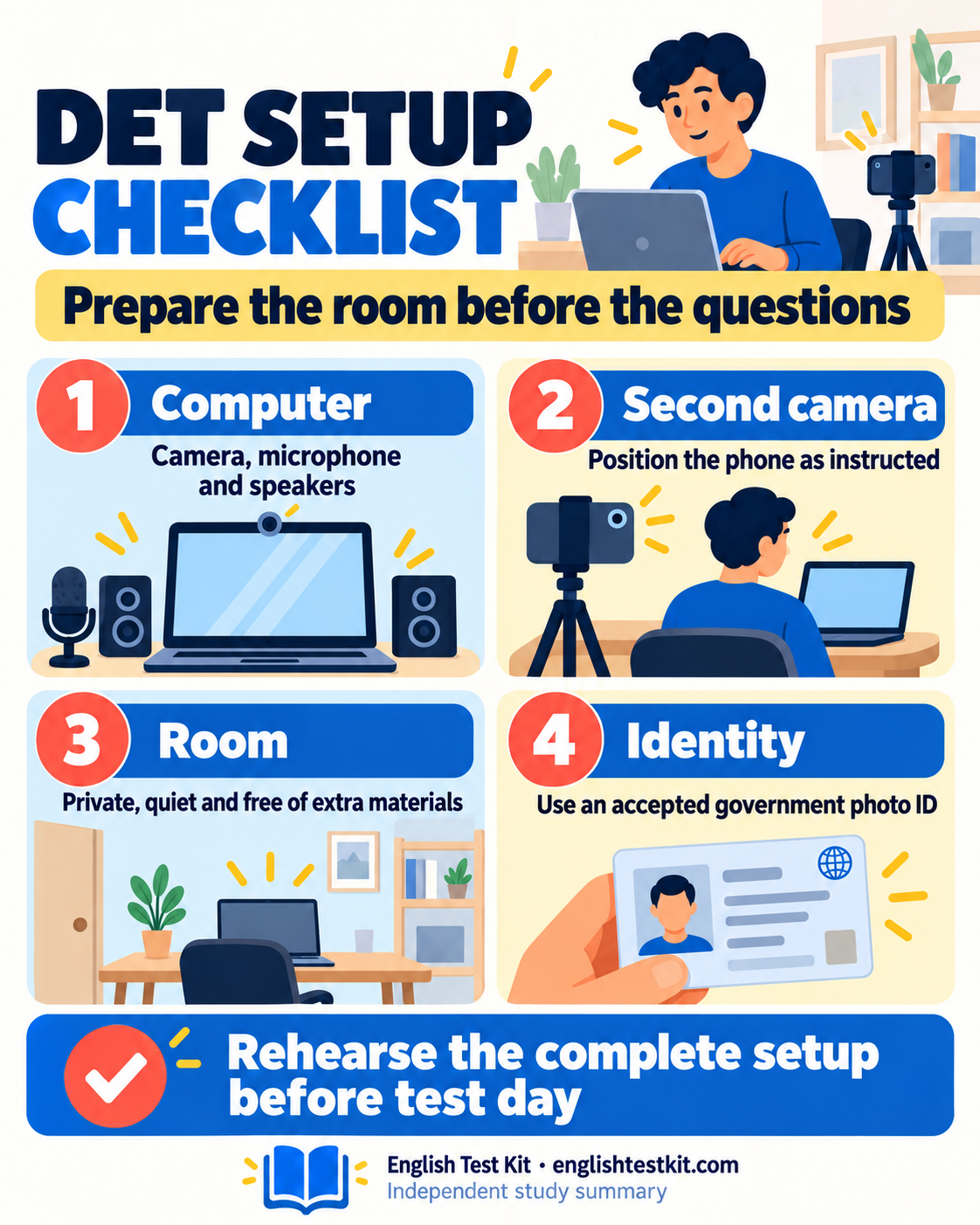

DET preparation includes an approved testing setup as well as English practice. Check your computer, second camera, identity document and room against the current official requirements before test day. A full rehearsal is more useful than discovering during setup that a device cannot record the required view or maintain a connection.
Prepare two cameras
You need a computer with a working camera, microphone, and speakers, plus a smartphone or tablet with a camera for the secondary recording. The phone is positioned so the recording can show your head and shoulders, the computer screen, and the keyboard.
Have the required items ready
A valid government-issued photo ID that meets the current Test Center rules.
A computer and phone with enough battery, a stable connection, and the required camera and audio access.
A quiet, private, well-lit room with one keyboard, one mouse, and no extra screens or headphones.
A phone that can scan the setup QR code and remain in the required position for the full recording.
Run the setup check early
Close other programs and remove predictive text, proofreading, suggestions, and reference tools.
Complete the camera and microphone checks on the computer.
Scan the phone setup code, enable Do Not Disturb, and confirm that the second camera can see the required area.
Keep the same room and equipment configuration for the certified test.
Check compatibility before relying on your equipment
Use the current official requirements to confirm supported equipment, software and access permissions. Hardware and operating-system rules can change, so a device that worked for another person or for an older test is not sufficient evidence. Complete the official checks using the actual computer and secondary-camera device you intend to use.
Test the microphone and speakers in the room where you will sit. A recording that sounds clear in a quiet afternoon may be less usable beside evening traffic or a running fan. Adjust the setup before the test; do not depend on headphones or outside assistance to overcome an unsuitable room.
Arrange both camera views deliberately
The secondary camera needs to show the required testing area continuously, including the relevant view of you and the computer setup. Follow the official placement demonstration and the setup instructions rather than guessing the angle from a description. Check that an object, your arm, or movement of the device does not block important parts of the view.
Use a stable support, connect power where appropriate, and confirm that the device can remain in place for the session. Rehearse scanning the setup code and granting the necessary permissions. A phone used as the required camera has a specific testing role; it is not permission to read messages, consult information or use other phone functions during the test.
Prepare identification and account details early
Check which identity documents are accepted for your country and circumstances, and make sure yours is current and readable. Review the official instructions for names, photographs and document presentation. If the document or your personal details create uncertainty, resolve it through official support before beginning the certified test.
Keep the document available for the identification process, then follow the instructions about the testing area. Do not improvise by leaving additional paperwork or reference materials on the desk. Your application records and study notes belong outside the certified test environment.
Rehearse the room and interruption plan
Choose a private, well-lit room in which you can remain alone. Tell other household members when the room is unavailable, arrange childcare or other responsibilities beforehand, and consider predictable interruptions such as deliveries, pets or shared workspaces. A “quiet enough” room for homework may not be suitable for a continuously recorded test.
Practise at the intended time of day with the same desk, lighting, network and devices. Remove unrelated screens, notes and devices as required. Close unrelated programs and disable prohibited assistance or suggestion features according to official instructions. Check notifications and power settings without installing unofficial workarounds or changing security controls you do not understand.
Use a final readiness check before starting
Before beginning, confirm that both devices are charged or powered, the network is stable, audio is clear, camera views are correct and the room meets the rules. Allow enough uninterrupted time for the complete setup and test, not just the advertised testing portion. Read each on-screen instruction instead of rushing through a familiar-looking step.
If a rehearsal reveals an incompatible device, unclear identity requirement or recurring connection problem, use official support and preparation guidance before committing to the session. Solving the setup problem first protects your attention for the English tasks and reduces avoidable certification difficulties. The provider’s current checklist remains the authority if a detail differs from an older guide.
Save your one-page study summary